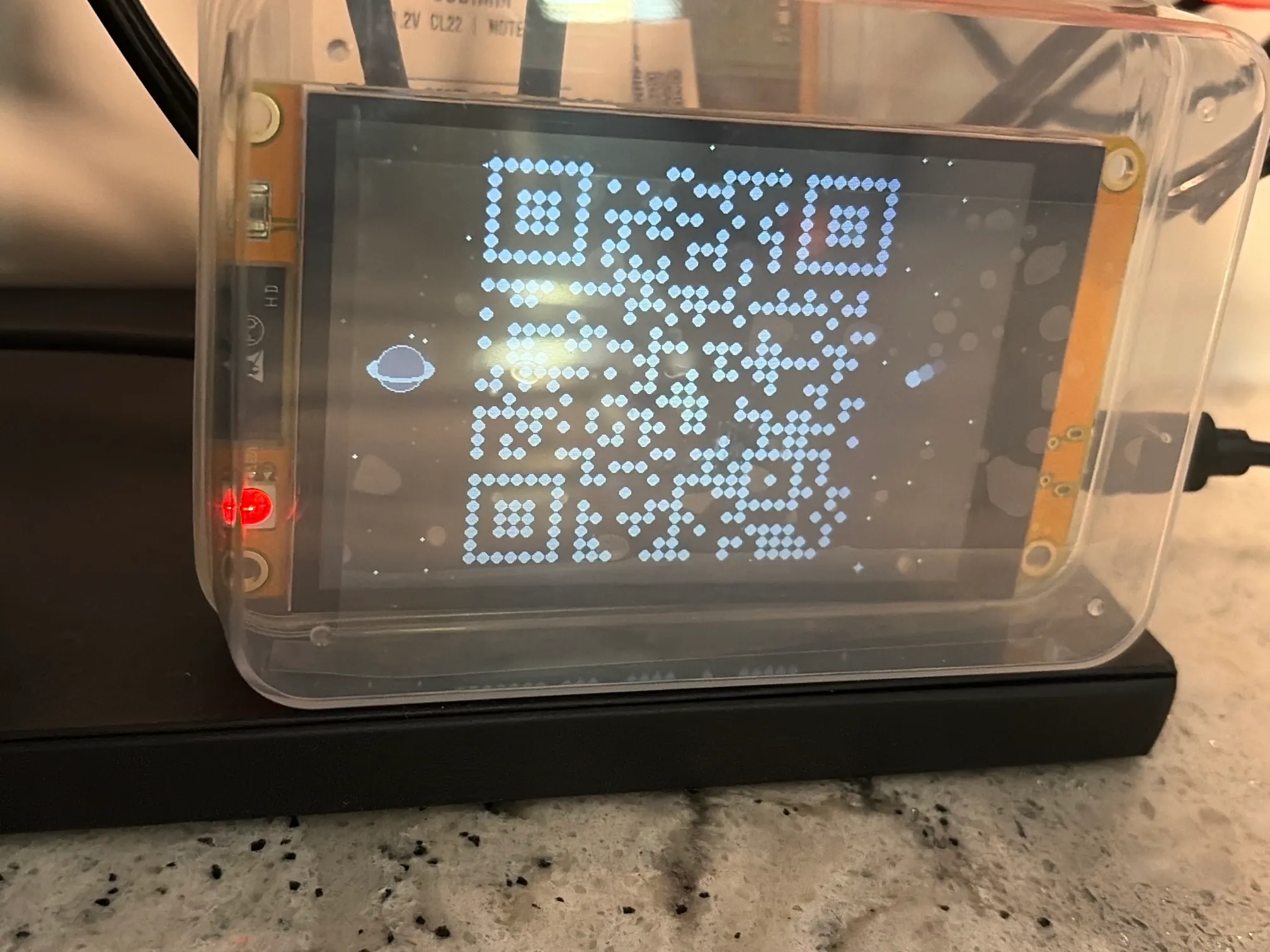
A touchscreen that shows a scannable WiFi code for visitors. It sets itself up from the screen, updates from your phone, and turns out to be a bit of a conversation piece, too.
ForBuilt on our own bench
TypeEmbedded device and firmware
CategoryAutomation and shop-floor tech
Dwg no.BN-001
Rev · UpdatedA · 11-03-2026
The idea
Guests always ask for the WiFi password, and someone always has to go find it. This small touchscreen shows a QR code instead. Point a phone at it and you’re on the guest network.
How it’s built
It’s a 3.5-inch ESP32 touchscreen running firmware written from scratch. The interesting part isn’t the QR code. It’s everything that keeps the device from needing anyone to babysit it.
Sets itself up from the screen. On first power-up it scans for networks and shows an on-screen keyboard, like joining WiFi on a phone. No laptop, no cables, no app.
Updates from your phone. A password-protected admin page on the home network changes what the code shows. The new code appears the moment you save.
Never runs on a default password. The first login forces a new one before anything else is reachable.
Remembers through power loss. Settings live in the device’s own storage, so unplugging it changes nothing.
Looks after its own screen. It dims after a few minutes without a touch to prevent burn-in, and wakes the moment someone taps it.
Recovers on its own. If it’s moved to a new house or the router changes, holding a finger on the screen at power-up walks it back through setup.
Why it matters for your shop
The same kind of device can sit beside a machine and show a work cell’s status, log a stoppage with one tap, or collect a reading that someone writes on a clipboard today. The decisions above are the ones a plant-floor device needs anyway: it has to set up without IT, survive a power blip, and keep working when nobody’s watching it.